Step 1: Download and Modify the Static Bootstrap Template
This is a Step 1 of the Tutorial How to Convert Bootstrap 4 Templates to Wordpress Themes . In this step we will download and understand the different sections of the Bootstrap Static Freelancer Template. In the later steps we are going to convert Freelancer Template into a Dynamic Wordpress Theme.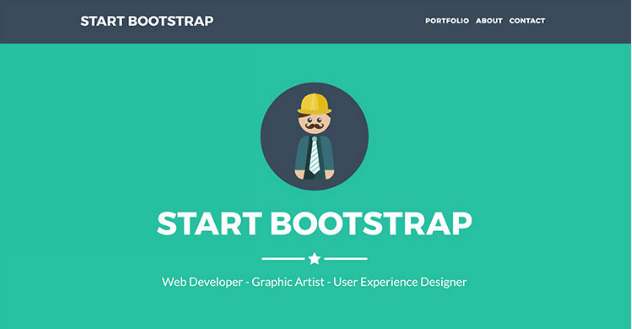 We are going to convert Free Freelancer theme provided by startbootstrap (https://startbootstrap.com/template-overviews/freelancer/)
Freelancer Theme is a single page bootstrap template created for Freelancers to showcase their portfolio. This theme has a portfolio section, a brief about me section and a section with Contact Form.
We are going to convert Free Freelancer theme provided by startbootstrap (https://startbootstrap.com/template-overviews/freelancer/)
Freelancer Theme is a single page bootstrap template created for Freelancers to showcase their portfolio. This theme has a portfolio section, a brief about me section and a section with Contact Form.
Understand Sections of Freelancer Template
Let's first understand what are the different sections in this one page Freelancer Template
-
Header Section

-
Hero Section

-
Portfolio Section
-
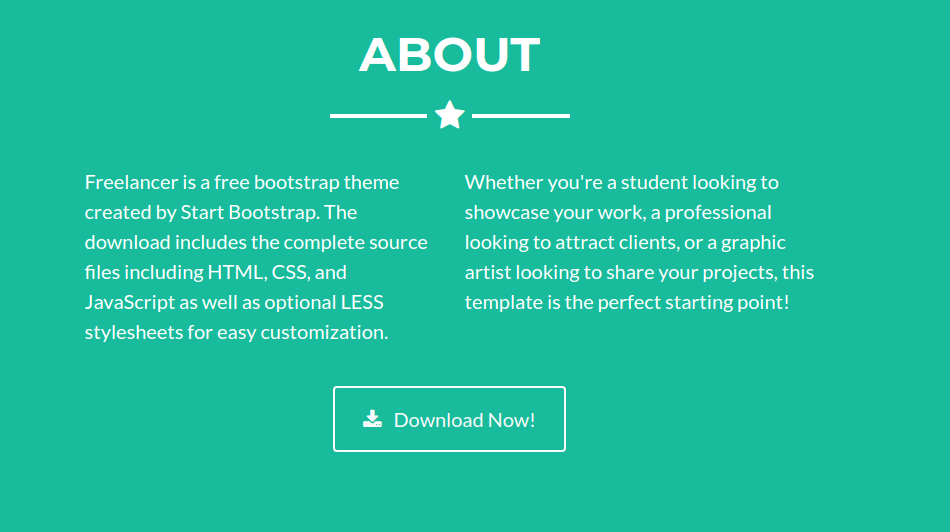
About Section
-
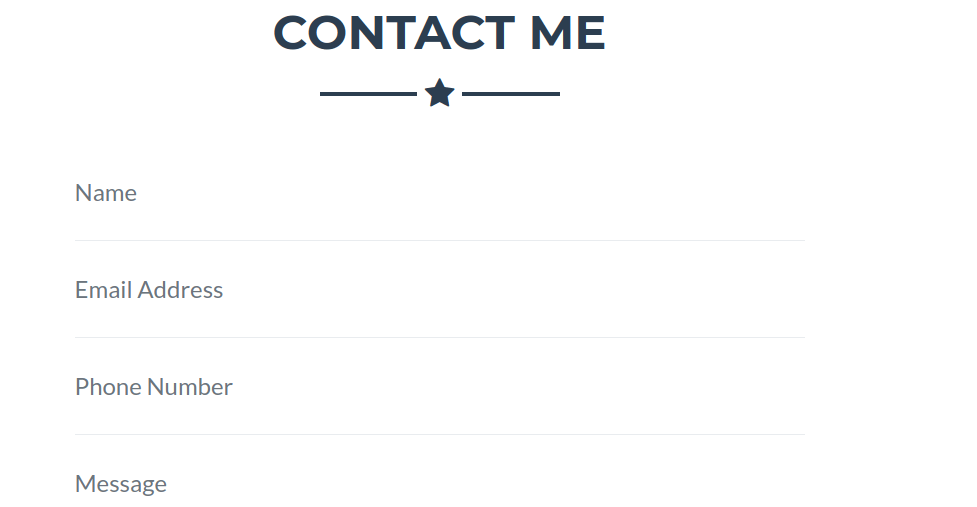
Contact Me Section
-
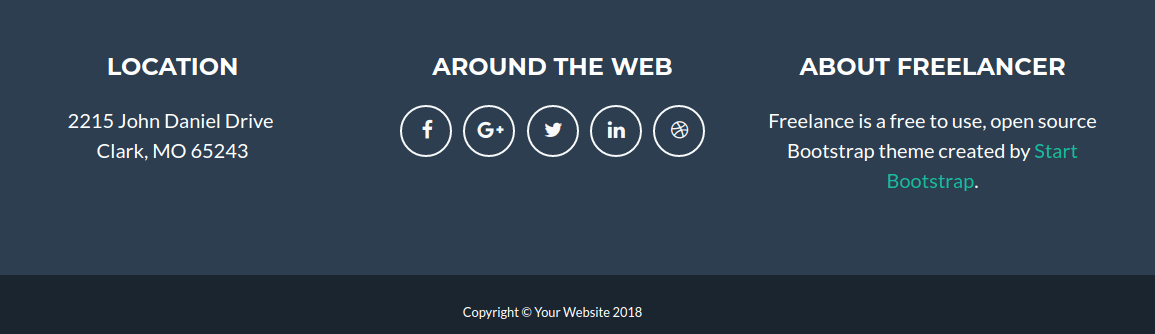
Footer Section
Modify Static Freelancer Template
I have modified the Static Template at following places to reflect my name, you can go ahead and download the modified template Freelancer-Bootstrap-Static-Template-Modified-Download Or, It would be better if you modify the static template yourself. Modifying the static template yourself will allow you to know what all places contains the text which needs to converted into dynamic into wordpress theme.Simple Static Text Modifications
- In the Header section, change the site title from Start Bootstrap to your name
- In the Hero Section, change the image to your image, Start Bootstrap to your name, and add a three word bio of yours.
- For portfolio section, I have not modified the images. But have modified the project names, Go to the bottom of your index.php page and you will find six div which are basically the Modal window that opens up when we click on the portfolio images. Go ahead and change the header text to reflect the project name.
- In the About section, Go ahead and add two short sentences about yourself.
- Leave the Contact Me form as it is, we will convert into dynamic into wordpress.
- In the Footer section, change the address to yours, change the social media links to yours and provide some short about section of you.
- Leave the copyright section as it is.
- There you go ! You now know what are the parts of the static template which needs to be changed in order to make the static template reflect your portfolio.
You now also understand that to change the static template requires knowledge of HTML. And it's a good idea to make this website into wordpress dynamic so that all the changes you just did can be easily done from the Wordpress dashboard. If someday for your next project you are developing a complex website for the client who does not understand HTML, he should be able to change any section of the website just by going into the wordpress dashboard. Let's Move to Step 2 Download and Setup WordPress on your Local Development Environment