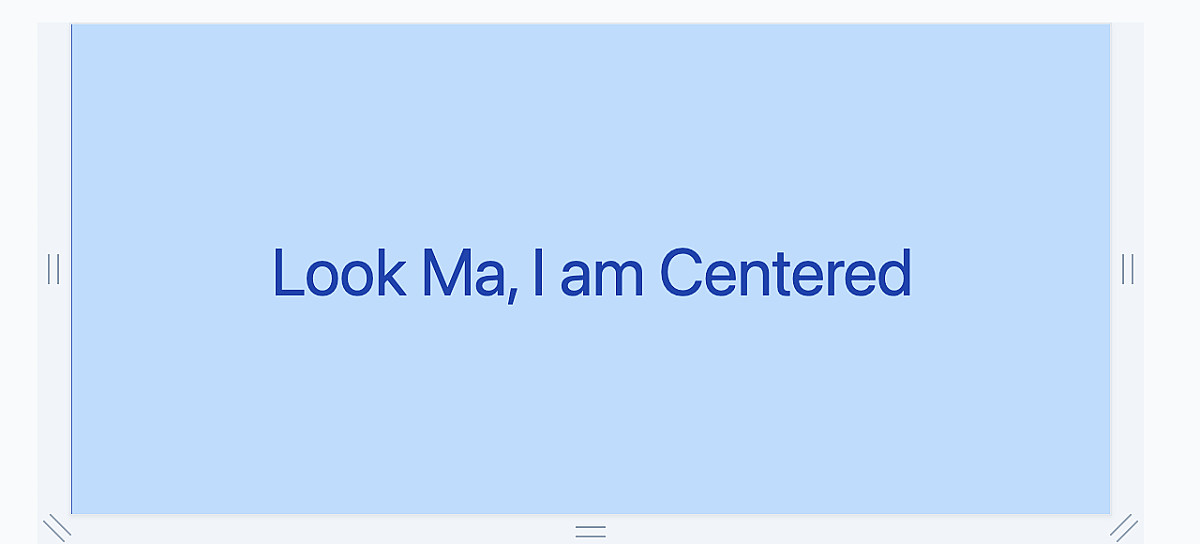
In TailwindCSS you can make use of flexbox to align items right in the middle of the screen by using the following properties flex : changes the div to a flex box container. justify-center : Aligns the content / div horizontally in the center of the screen items-center : This aligns items vertically in the center of the flex box. h-screen : This will allow your flex box to take up the whole height of the screen.

<div class="flex h-screen items-center justify-center border-x border-blue-800">
      <div class="text-8xl text-blue-800">Look Ma, I am Centered</div>
  </div>
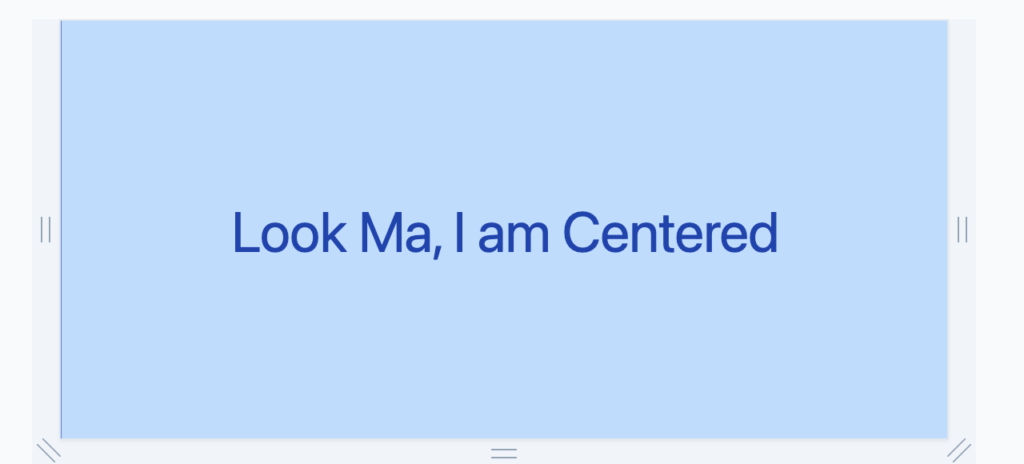
This code should give you the following result on the screen align middle of screen tailwindcss